A digital card is quick, free of postage and impossible to lose in the post. It can also feel cold if it is just a picture with one line of text. Here is how to send a digital card by e-mail so that it feels like a gift.
Four ways to send a digital card
- An attachment. A picture or PDF in an ordinary e-mail. Simple, but one author and no surprise.
- A link to a card page. The e-mail carries a link and the card opens in the browser. Better for photos and several messages.
- A group card. Everybody adds a message to one card and the whole thing is delivered to the person.
- A slideshow. Every message is one slide, with the photos around it. This is the nicest for a group.
Step by step with Emailkaarten.nl
- Choose the occasion and a design.
- Fill in who it is for, the e-mail address and the delivery day and time.
- Share the link with everybody who may write. Nobody needs an account.
- People add a message, choose a handwriting font and add photos.
- On the chosen moment the recipient gets an e-mail with the card.
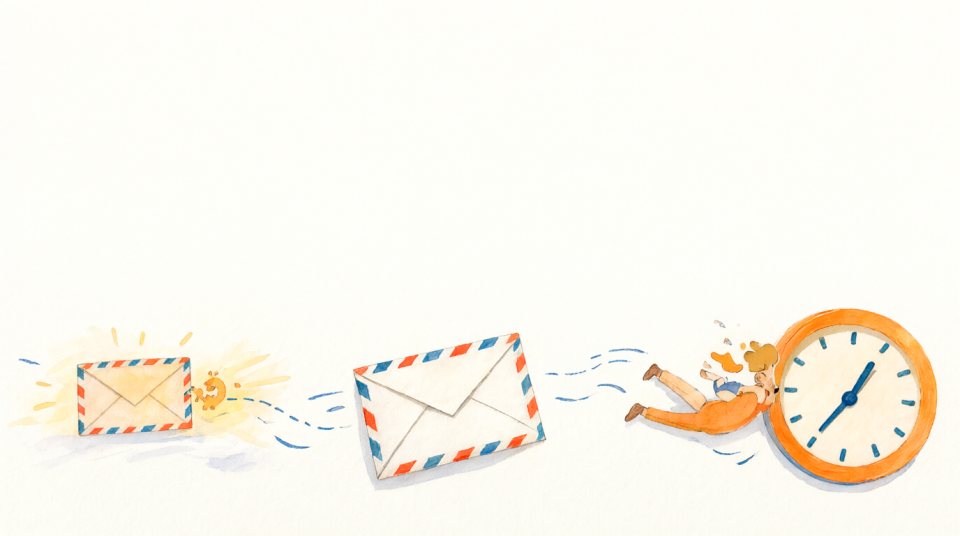
Pick the right moment
A card is worth most when it arrives at the right time: at nine on the morning of the birthday, or on the last working day. A scheduled delivery means you can prepare everything days ahead and then forget about it. We also send a preview to the organiser one day before, so there are no surprises.
Make it feel personal
- Add a photo, even a small one. A face beats a stock image.
- Ask each person for one specific detail instead of "all the best".
- Use a handwriting font for the message. It looks like a real signature.
- Do not send it on a Monday morning at seven. Think about when the person will actually read it.
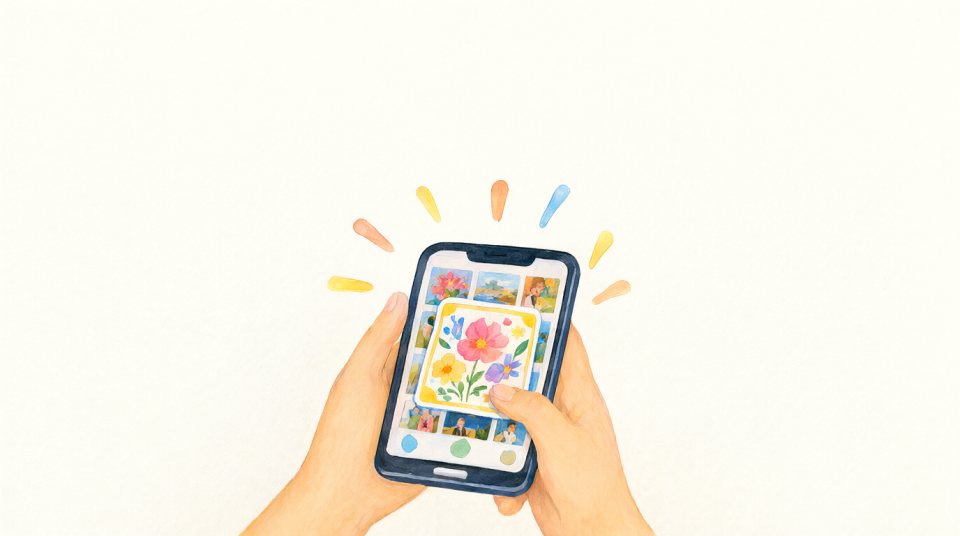
Will it land in the spam folder?
E-mail from a sender the person knows is safe. Ask the recipient to add the sender to their contacts if the card does not arrive, and check the spam folder first. A card sent through a service arrives from the service's address, with the organiser named in the subject.
Ready to try? Make a card in about two minutes, free for small groups.