You want to make a digital card and do not know where to start. The short answer: it takes about two minutes, and for a small group it is free. The five steps below also work for a card that a whole team writes in.
Step 1: what is the occasion?
Pick the occasion first: a birthday, a farewell, a baby, a get-well card. The design and the example texts follow from that, so you do not begin with a blank page.
Step 2: which design and layout?
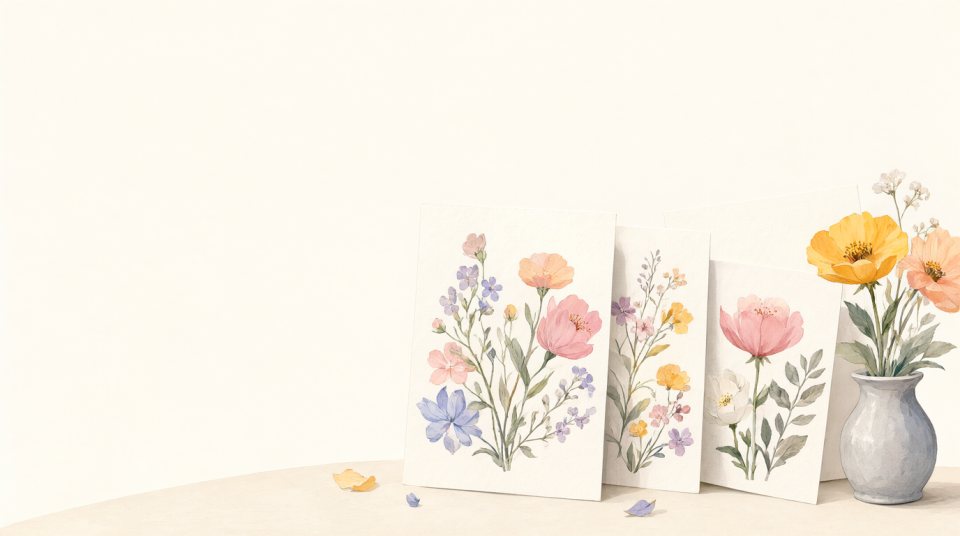
Choose one of the designs. The first three of every occasion are free; the rest are premium. Then choose how the messages are shown: a wall of notes, a book or a scrapbook are free, a slideshow is premium.

Step 3: who is it for and when should it arrive?
Fill in the name and the e-mail address of the person, and the day and the time. A card that arrives at nine in the morning on the birthday feels like a present, not like a reminder.
Step 4: who writes in it?
Share the link in the chat or by e-mail. Everybody types a message, picks a handwriting and adds a photo. Nobody needs an account. Ask for “a memory and a wish” and you get better messages than with “please sign”.
Step 5: check and send
The day before, the organiser gets a preview. After delivery the receiver opens the card in the browser, and with a paid card also as a PDF to keep.
Can I make a digital card on my phone?
Yes. Everything works in the browser of a phone, and most people who write do so from their phone.
What program do I need to make a digital card?
None. You make the card in the browser, on a computer, tablet or phone. There is nothing to install or download.
Can I put my own photos in the digital card?
Yes. You and everybody who writes can add a photo, which goes in a neat frame. You do not need to resize it: photos are made smaller and rotated automatically, without changing the proportions.
How do I make an e-card or ecard for a group?
Exactly like above, with one extra step: you share the link with the group. Everybody writes their own message in the same e-card and the card goes to the recipient in one go. See what is a group card.
Try it now
Make a digital card in two minutes. Free for up to seven people.