People who search for a digital card often wonder: is it not a bit cheap? The honest answer is that it depends on how you do it. A picture with one line is cold. A card with thirty handwritten messages and photos is not.
What are the downsides of a digital card?
- It does not stand on a mantelpiece.
- A card by e-mail can end up in a spam folder or be read late.
- If it is only a picture and a line, it feels like a notification.
- Not everybody is comfortable on a screen, especially older people.
When is a paper card the better choice?
When the receiver does not use e-mail, for a funeral or a deep loss, for a formal gesture such as a wedding gift, or when you want something to hang. For those moments, send paper, or send both: a digital group card, printed as a PDF, handed over in an envelope.
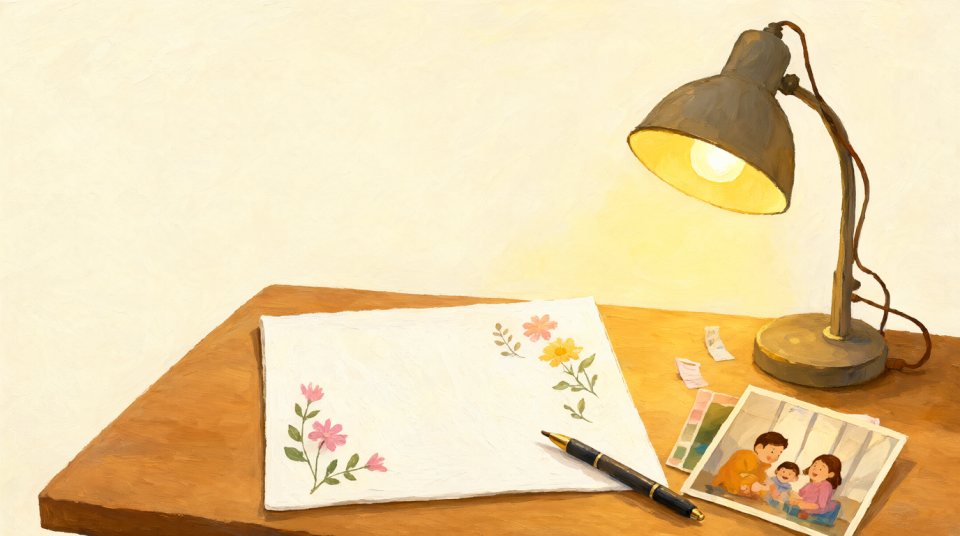
How do I make a digital card feel personal?
- Ask people for a specific memory, not “all the best”.
- Let them use handwriting and add a photo.
- Deliver it at a moment that suits the person, not on a Monday at seven.
- Write your own message first, as an example.
Can I print a digital card?
Yes. With a paid card you can download a PDF and print it, so the person gets both the digital card and a page they can hold.
What do people say they like?
Mostly that they can read it again, and that everybody is in one place. A shared card from a team is also more likely to include the quiet colleagues.
How do I write a personal message in an e-card?
Start with the name, mention one memory and end with a wish. “I will remember your joke at the team day. Enjoy your new job!” says more than “good luck”.
Does an e-card suit a farewell or retirement?
Yes, especially there. Many colleagues work in other places or from home and cannot all be at the farewell drinks. An e-card also collects their words, and with a PDF you can give a paper copy as well.
Make it personal
Choose handwriting, photos and the right day. Make a card that feels like a present.